medium
Timed
Graphic Designer
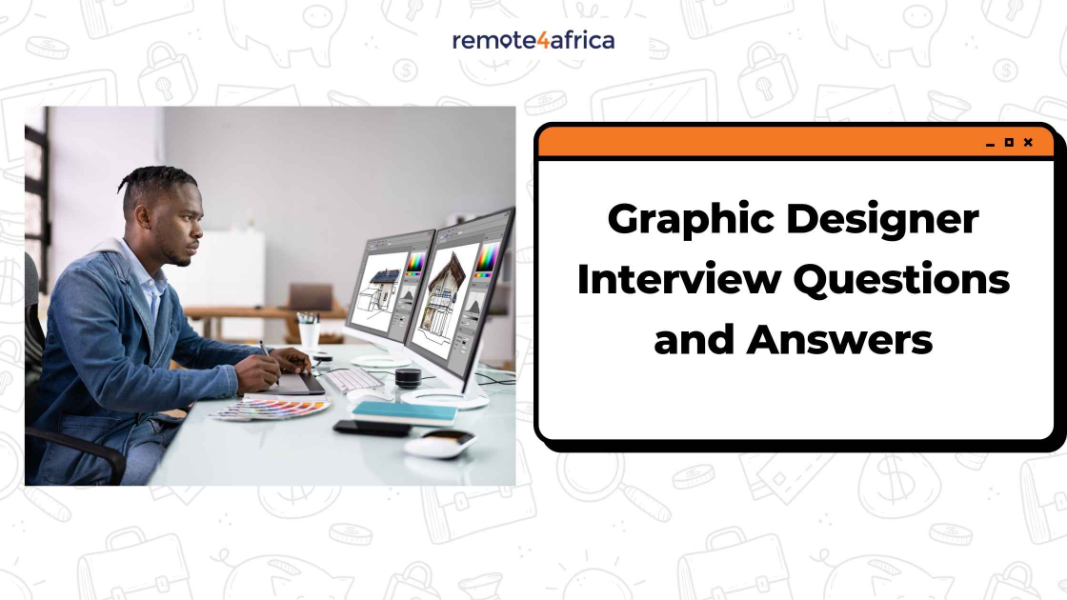
Graphic Designer Interview Questions and Answers
Last updated: January 21, 2026This guide is designed to help you prepare for a Graphic Designer interview and technical assessment. The Graphic Designer interview test is unique because it is highly visual. It usually involves two parts: a portfolio review, where you explain your past work, and a design challenge, where you might be asked to create a small asset (like a social media post or a logo concept) under a deadline. This assessment looks for your "design eye," your speed, and how well you take a creative brief.
Type of Questions to Expect in a Graphic Designer Interview
Expect a mix of questions about your creative process and your technical skills:
- Process-Oriented: "Walk me through your design process from the initial brief to the final export."
- Constructive Feedback: "How do you handle it when a client or manager hates a design you worked hard on?"
- Technical Tools: Questions about your proficiency in the Adobe Creative Cloud (Photoshop, Illustrator, InDesign) or UI tools like Figma.
- Design Theory: "How do you choose a color palette or typography for a brand that wants to feel 'luxurious' vs. 'accessible'?"
- Time Management: "How do you prioritize multiple design requests with overlapping deadlines?"
Pro Tip: Be prepared for the "Critique Question." An interviewer might show you one of their current designs and ask, "How would you improve this?"
What the Interviewer Will Expect
Hiring managers aren't just looking for someone who can make things look "pretty." They are looking for:
- Brand Alignment: Can you set aside your personal style to design in a way that matches the company’s established brand?
- Problem-Solving: Do you understand the goal of the design? (e.g., Is it meant to sell a product, or just provide information?)
- Technical Precision: They will check your files for clean layers, correct resolutions, and proper use of margins/bleed.
- Communication: Can you explain why you made certain design choices? (e.g., "I used this font because it improves readability on mobile.")
- Speed and Efficiency: In a design challenge, they want to see how much high-quality work you can produce in a short amount of time.
Tips on Getting Ready
To show that you are a top-tier creative professional, follow these steps:
- Curate Your Portfolio: Quality over quantity. Pick 5–8 projects that show variety (e.g., one logo, one layout, one digital ad).
- Explain the "Why": For every piece in your portfolio, be ready to explain the problem you were solving and the result (e.g., "This redesign increased ad clicks by 10%").
- Research the Company Aesthetic: If they use minimalist, clean designs, don't show up with a portfolio full of heavy, maximalist art.
- Practice a "Live Build": Give yourself 30 minutes to create a social media graphic for a random brand. This prepares you for the pressure of a live design test.
- Master the Shortcuts: During a technical test, using keyboard shortcuts (like Cmd/Ctrl + J or V for the selection tool) shows you are an expert who works fast.
Total Questions
145
Per Attempt
10
Time Limit
60 min
Difficulty
medium
Categories:
Design / Video
Skills Covered:
Digital Ad Design
Problem Solving
Technical Support
Time Management
Attention to Detail
Topics:
#Graphics
#Graphics Designer